
AI Scheduling Tools for Freelancers
Automating Time, Eliminating Chaos, and Protecting Focus
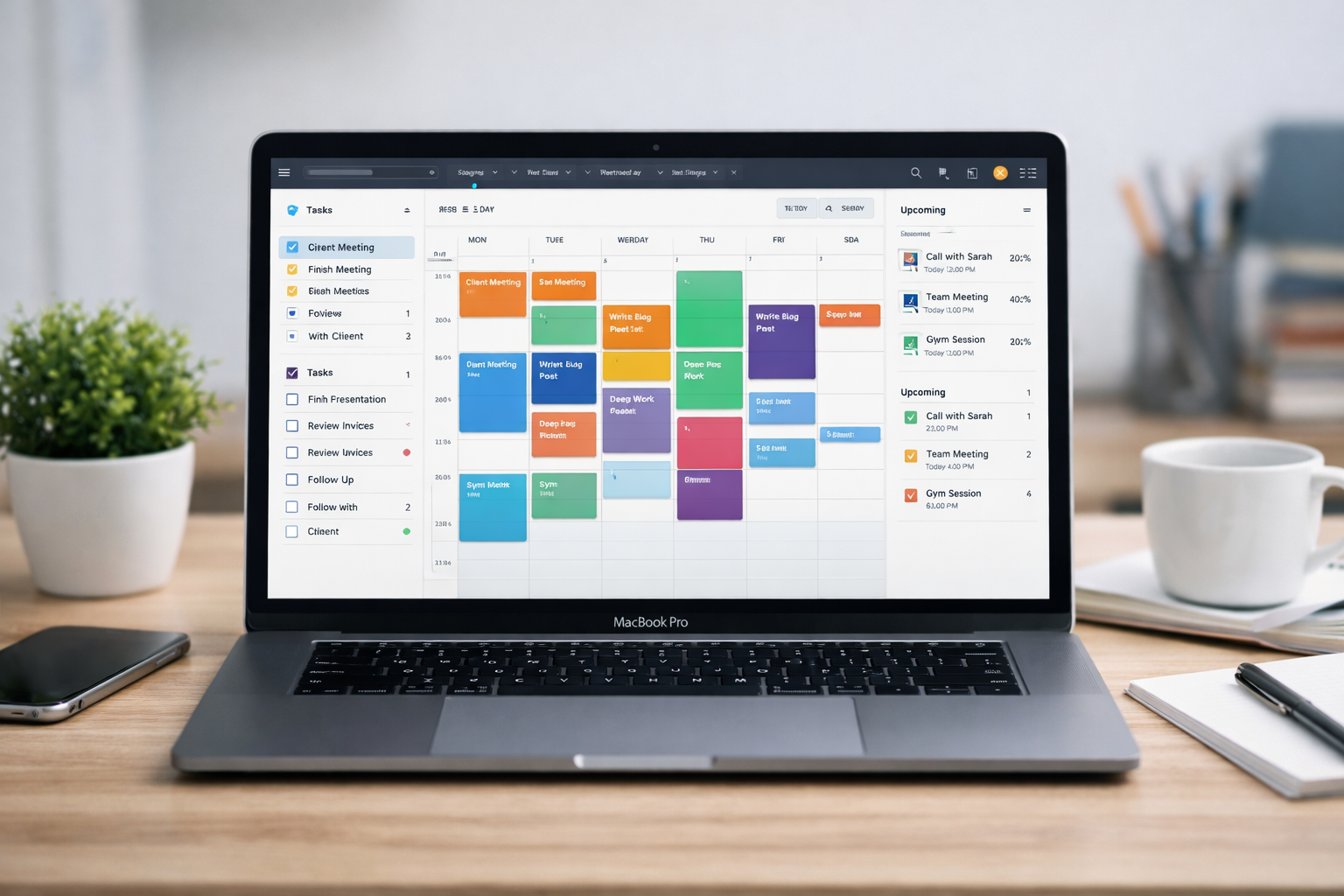
AI scheduling tools automatically organize tasks, meetings, and deadlines — reducing manual planning for freelancers.
Freelancers do not struggle because they lack time.
What breaks is how that time gets used.
Most freelancers don’t lose time.
They lose control of when their best hours disappear.
The problem isn’t a full calendar.
It’s a calendar that works against you.
Time isn’t the problem.
Structure is.
This approach is part of a broader AI tools system for freelancers.
- Freelancer Scheduling Problem
- How AI Scheduling Tools Work for Freelancers
- What Are AI Scheduling Tools?
- Types of AI Scheduling Tools
- Best AI Scheduling Tools
- How to Choose the Right AI Scheduling Tool
- AI Scheduling Workflow for Freelancers
- Benefits of AI Scheduling Tools for Freelancers
- Common Mistakes When Using AI Scheduling Tools
- How AI Scheduling Tools Fit Into the AI Tools Ecosystem
- Explore More AI Tools for Freelancers
- Final Thoughts
The Freelancer Scheduling Problem
You start the day with a plan.
By midday, that plan has already changed multiple times.
A quick call becomes 40 minutes.
A task takes longer than expected.
Meetings interrupt deep work.
Some days feel busy — but nothing actually moves forward.
This is not a time problem.
It is a structure problem.
Freelancers do not operate in fixed schedules.
They operate in constantly shifting priorities.
Without a system, scheduling becomes reactive:
- fragmented workdays
- meeting overload
- constant interruptions
- lack of protected focus blocks
- unclear task prioritization
- frequent context switching
What this creates is hidden inefficiency.
You are working — but not progressing.
You are busy — but not producing meaningful output.
Time exists — but usable time disappears.
Having time is not the same as controlling it.
The real problem is not how much time you have.
It is how that time gets fragmented, interrupted, and reassigned throughout the day.
How AI Scheduling Tools Work for Freelancers
Most freelancers think scheduling is something they manage.
They plan the day.
They adjust when things change.
They try to stay on track.
But the plan rarely holds.
This creates a constant loop:
decide → adjust → react → repeat
The real cost is not time.
It’s the mental load of constantly deciding what to do next.
High-performing freelancers don’t operate like this.
They don’t manage time manually.
They build systems that decide how time is used.
This changes how work happens:
- tasks are placed automatically into available time
- deadlines drive prioritization
- focus blocks are protected without manual effort
- schedules adapt when work expands or shifts
What this actually does is remove the need to constantly rethink your day.
Instead of asking:
“What should I do next?”
The system already knows.
This shifts scheduling from:
Manual decision-making → System-driven execution
Reactive planning → Structured workflows
Planning your day becomes optional.
Time becomes a managed system — not a daily decision.
What Are AI Scheduling Tools?
AI scheduling tools automate how time is allocated across your workday.
But more importantly, they decide when things happen — without you constantly thinking about it.
They structure time across:
- meetings
- tasks
- deadlines
- recurring work
- priority changes
Most freelancers try to manage all of this manually.
That means constantly asking:
“When should I do this?”
“Where does this fit in my day?”
“What should I move to make space?”
These small decisions seem simple — but they repeat dozens of times every day.
This is where productivity breaks down.
AI scheduling tools solve this by acting as a decision layer for time management.
Instead of manually assigning time, the system automatically places work based on availability, priorities, and deadlines.
These tools — often called AI calendar scheduling tools — continuously adjust your schedule as conditions change.
What this actually does is remove the constant micro-decisions that drain focus.
You stop managing your calendar.
The system manages it for you.
Time stops being something you manage — and becomes something the system organizes.
Types of AI Scheduling Tools
Not all scheduling tools solve the same problem.
This is where most freelancers get confused.
They expect one tool to handle everything — planning, meetings, execution, and optimization.
But scheduling is not one function.
It is a combination of multiple layers working together.
AI scheduling tools generally fall into four categories:
- Meeting scheduling tools → automate client bookings and eliminate coordination
- Task scheduling tools → assign work into your calendar based on priorities and deadlines
- Calendar optimization tools → restructure your schedule to reduce fragmentation and protect focus
- Workflow and habit scheduling tools → balance recurring work, routines, and long-term consistency
Each category solves a different bottleneck.
And most freelancers experience all of them at once.
That’s why relying on a single tool often fails.
The real advantage comes from combining these layers into one system:
- meetings are handled automatically
- tasks are scheduled without manual planning
- your calendar stays optimized for focus
- your workload remains balanced over time
When these layers work together, scheduling stops being reactive.
It becomes a structured system that runs in the background.
Best AI Scheduling Tools for Freelancers
Not all scheduling tools solve the same problem.
Some tools handle meetings.
Others structure your tasks.
Some optimize your entire calendar.
The mistake most freelancers make is trying to use one tool for everything.
The most effective freelancers don’t rely on a single tool.
They combine tools to create a scheduling system that runs automatically.
Here are the most widely used AI scheduling tools — and where each one fits.
Motion
Motion combines task management and scheduling into one system.
Instead of planning your day manually, it builds your schedule for you.
- automatically schedules tasks into your calendar
- reorders priorities when deadlines change
- adjusts schedules dynamically throughout the day
- protects deep work time without manual blocking
Best for: freelancers managing multiple projects with shifting deadlines.
What makes it different: it removes planning entirely — you just execute.
Calendly
Calendly focuses on eliminating scheduling friction with clients.
Instead of coordinating meetings manually, clients book time directly.
- automates meeting booking with clients
- eliminates back-and-forth emails
- shares availability instantly
- supports multiple meeting types and durations
Best for: freelancers with frequent client calls or consultations.
What makes it different: it removes coordination — not scheduling logic.
Clockwise
Clockwise restructures your calendar to improve focus and reduce fragmentation.
It doesn’t just schedule — it reorganizes your entire day.
- reorganizes meetings automatically
- creates uninterrupted focus blocks
- reduces calendar fragmentation
- optimizes collaborative schedules
Best for: freelancers with meeting-heavy or chaotic calendars.
What makes it different: it optimizes time you already committed.
Reclaim AI
Reclaim AI balances tasks, habits, and meetings in one system.
It ensures your schedule stays sustainable — not overloaded.
- auto-schedules recurring work and routines
- protects personal and work boundaries
- adjusts deadlines dynamically
- maintains productivity habits automatically
Best for: freelancers trying to maintain consistency without burnout.
What makes it different: it balances productivity with sustainability.
Trevor AI
Trevor AI connects task planning with real execution time.
It bridges the gap between planning and actually doing the work.
- turns task lists into calendar blocks
- visualizes daily workload clearly
- improves execution consistency
- helps prioritize tasks effectively
Best for: freelancers who plan tasks but struggle to follow through.
What makes it different: it converts intention into execution.
No single tool solves every scheduling problem.
The real advantage comes from combining these tools into a system:
- Calendly → handles meetings
- Motion / Trevor → handles task execution
- Clockwise → optimizes your calendar
- Reclaim → maintains balance
When these layers work together, scheduling stops being something you manage.
It becomes something that runs automatically in the background.
How to Choose the Right AI Scheduling Tool
The best tool depends on your bottleneck.
- Too many meetings → Calendly
- Tasks not getting done → Motion / Trevor
- Calendar chaos → Clockwise
- Burnout / overload → Reclaim
Most freelancers need a combination — not just one tool.
AI Scheduling Workflow for Freelancers
Freelancers don’t operate in perfect conditions.
Plans change.
Clients reschedule.
Tasks take longer than expected.
A static schedule breaks almost immediately.
This is why most manual planning fails.
The goal is not to create a perfect schedule.
It’s to create a system that adapts when things change.
Here’s what an AI-driven scheduling workflow actually looks like in practice:
Step 1 — Meetings are automated
Clients book time directly based on real availability, without back-and-forth coordination.
Step 2 — Tasks are scheduled into your calendar
Work is automatically assigned to available time slots based on deadlines and priority.
Step 3 — Your calendar is optimized for focus
The system groups work and protects uninterrupted deep work blocks.
Step 4 — Priorities adjust automatically
If something urgent comes in or work expands, the system reorders your schedule.
Step 5 — Your schedule continuously adapts
Instead of breaking, your calendar updates itself throughout the day.
What this changes is how you experience your workday.
You stop constantly adjusting your schedule.
The system handles it for you.
Time adapts to your work.
Not the other way around.
This becomes significantly more effective when combined with AI productivity tools for freelancers that structure what needs to be done — while scheduling tools decide when it gets done.
Benefits of AI Scheduling Tools for Freelancers
The benefits of AI scheduling tools go beyond saving time.
They change how your entire workday operates.
- reduced scheduling conflicts
- less administrative work
- better protection of deep work time
- more consistent daily output
- clear visibility into workload and capacity
At first, these improvements seem small.
But over time, they compound.
You spend less time reacting.
You spend more time executing.
The biggest gain is not time.
It is eliminating the need to constantly decide what to do next.
Most freelancers don’t lose hours — they lose energy making repeated decisions throughout the day.
What to work on.
When to do it.
What to move or delay.
AI scheduling removes these micro-decisions.
And when those decisions disappear, focus improves naturally.
This reduces decision fatigue across the entire workday.
The result is not just better time management — it’s more consistent, predictable output.
Common Mistakes When Using AI Scheduling Tools
Most freelancers don’t fail because the tools don’t work.
They fail because they continue working the same way — just with new tools.
The system is there.
But they don’t fully trust it.
- overriding system decisions too quickly
- holding onto manual scheduling habits
- overloading every available time slot
- ignoring protected focus blocks
- using scheduling tools only for meetings, not tasks
At first, these behaviors feel harmless.
But they slowly break the system.
You go back to:
deciding everything manually
constantly adjusting your day
reacting instead of executing
Using AI tools but manually controlling everything
is like hiring help — and ignoring it.
The system only works when you let it operate.
Let the system control structure.
Focus on execution.
The shift is simple but critical:
from controlling your schedule → to trusting the system that runs it.
AI Scheduling Tools in the AI Tools Ecosystem
Scheduling tools do not operate in isolation.
On their own, they organize time.
But they don’t define what work gets done — or how it gets executed.
This is where most freelancers misunderstand their role.
Scheduling is only one layer of a larger system.
It controls when work happens — not what or how.
For a complete workflow, scheduling tools must work alongside other systems:
- AI productivity tools → define and structure tasks
- AI automation tools → handle repetitive execution
- AI writing tools → generate content and output
- AI finance tools → track income and financial decisions
Each layer solves a different problem.
When used together, they create a system where:
- tasks are clearly defined
- time is automatically allocated
- execution happens with minimal friction
- results are tracked and optimized
This is the shift:
From using isolated tools
→ to operating inside a connected system
This ecosystem becomes significantly more powerful when you build it intentionally.
To explore how these tools connect into a full system, see:
These layers create a complete freelance operating system — where work is structured, scheduled, and executed without constant manual control.
How AI Scheduling Tools Fit Into Freelancer Workflows
Freelancers who scale effectively do not manage time manually.
- meetings → automated
- tasks → scheduled
- priorities → system-defined
- execution → uninterrupted
Scheduling becomes a system input — not a daily decision.
Explore More AI Tools for Freelancers
If your schedule still feels unpredictable even after using tools,
the problem is not your calendar — it’s how your system is structured.
Scheduling tools organize time.
But real consistency comes from combining scheduling with the right execution and automation layers.
This is where most freelancers get stuck.
They use tools individually — instead of building a connected system.
To understand how these tools work together, explore the full ecosystem:
- AI Tools Hub — the complete system overview
- Best AI Tools for Freelancers — tools across every workflow layer
Next Step:
Once your time is structured, the next bottleneck is execution.
See how freelancers eliminate repetitive work and scale output using AI automation tools.
Final Thoughts
Freelancers don’t struggle because they lack time.
They struggle because their time is unstructured, reactive, and constantly interrupted.
Most try to fix this by planning better.
But better planning doesn’t solve the problem.
It just delays it.
The real shift happens when you stop managing your time manually.
And start operating inside a system that manages it for you.
AI scheduling tools are systems that decide how your time is used — so you can focus on execution.
High-performing freelancers don’t manage time.
They design systems that manage it.